

CONNECTED SERVICES SUBSCRIPTIONS
European model shown
Learn how to activate, renew or manage your connected services subscriptions.
- Defender (2020 - Present)
- Discovery (2021 - Present)
- Discovery (Pre 2020)
- Discovery Sport (2021 - 2022)
- Discovery Sport (2023 - Present)
- Discovery Sport (Pre 2020)
- E-PACE (2021 - Present)
- E-PACE (Pre 2020)
- F-PACE (2021 - Present)
- F-PACE (Pre 2020)
- F-TYPE
- I-PACE (2021 - Present)
- I-PACE (Pre 2020)
- Range Rover (2022 - Present)
- Range Rover (Pre 2021)
- Range Rover Evoque (2021 - 2022)
- Range Rover Evoque (2023 - Present)
- Range Rover Evoque (Pre 2020)
- Range Rover Sport (2023 - Present)
- Range Rover Sport (Pre 2022)
- Range Rover Velar (2021 - 2022)
- Range Rover Velar (2023 - Present)
- Range Rover Velar (Pre 2020)
- XE (Pre 2020)
- XF (2021 - Present)
- XF (Pre 2020)
GETTING STARTED
Connected services give you access to features designed to enhance your ownership experience, from secure vehicle monitoring to online navigation. The following services are available on vehicles with the Pivi or Pivi Pro infotainment system1.
Please note: this may vary depending on market and vehicle model.
REMOTE APP
Interact with your vehicle from virtually anywhere. Check its status, lock or unlock the doors, and precondition the cabin to the right temperature before your journey. In the event of a theft, Remote also provides access to Stolen Vehicle Tracking support, helping you respond quickly and confidently.
CONNECTED NAVIGATION PRO
You'll always be headed in the right direction with Connected Navigation Pro, no matter which route you take. It provides a range of features including Real-Time Traffic Information, Satellite Views, Parking Services, Fuel / Charging Services, and more.
ONLINE PACK WITH DATA PLAN
Stream music and podcasts through in-car apps, check five-day weather forecasts, and enjoy hands-free control with Amazon Alexa and Connected Speech.
WI-FI ENABLED WITH DATA PLAN
Creates an in-car Wi-Fi hotspot that supports multiple devices, providing fast and reliable connectivity for everyone on board.
GETTING STARTED
Connected services give you access to features designed to enhance your ownership experience, from secure vehicle monitoring to online navigation. The following services are available on vehicles with the Touch or Touch Pro infotainment system1.
Please note: this may vary depending on market and vehicle model.
REMOTE APP
Interact with your vehicle from virtually anywhere. Check its status, lock or unlock the doors, and precondition the cabin to the right temperature before your journey.
CONNECTED NAVIGATION
Your Land Rover’s state-of-the-art navigation keeps you on track with door-to-door routing, live traffic feeds, ETA and places of interest.
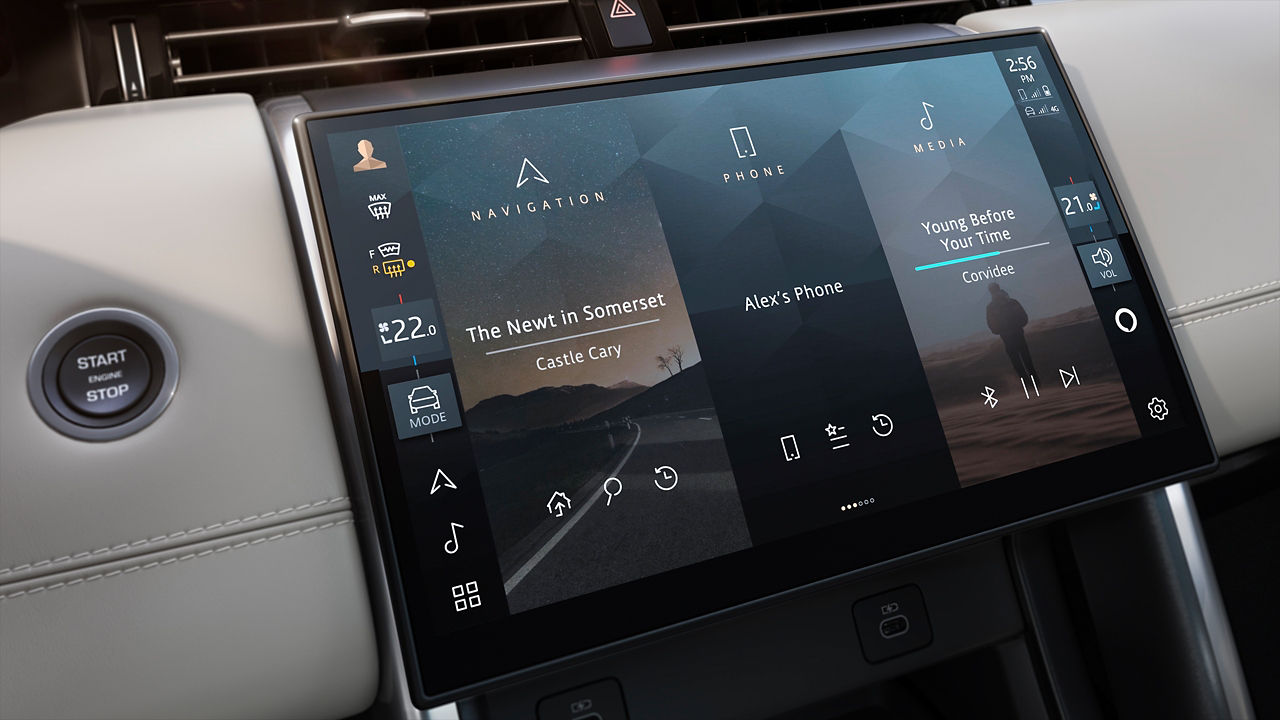
ACTIVATE CONNECTED SERVICES
To enable connected services in your vehicle, simply connect your vehicle to your account2,3. Learn more about the linking process in the infotainment setup guide.
European model shown
ACTIVATE CONNECTED SERVICES
To enable connected services in your vehicle, simply connect your vehicle to your account2,3. Learn more about the linking process in the infotainment setup guide.
European model shown
VIEWING YOUR SUBSCRIPTION DETAILS
You can view your active Remote subscription and its expiry date using the methods below.
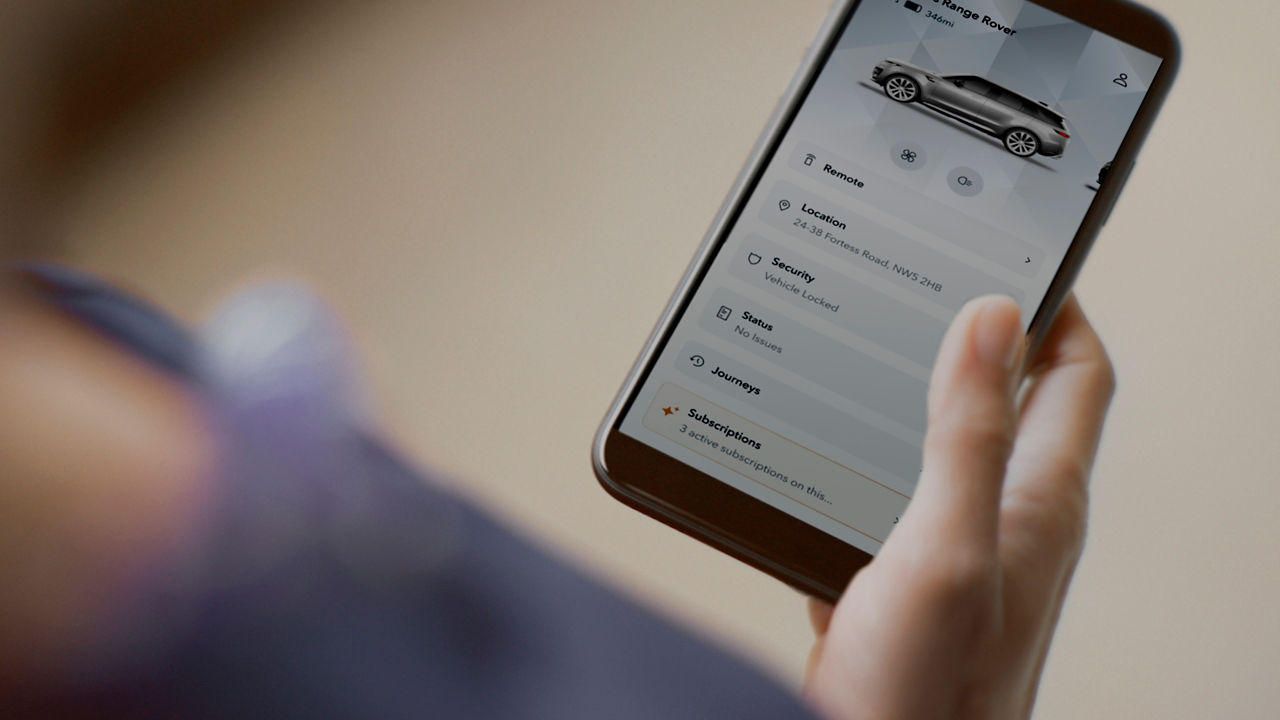


RENEWING EXPIRING AND EXPIRED SERVICES
When your subscription is nearing its expiry date, you’ll be notified by email, the Remote App, or your in-vehicle touchscreen, with instructions on how to renew via the Services Store.
If your subscription has already expired, or if you did not receive an expiry notification, please visit the Services Store and follow the on-screen instructions to renew.
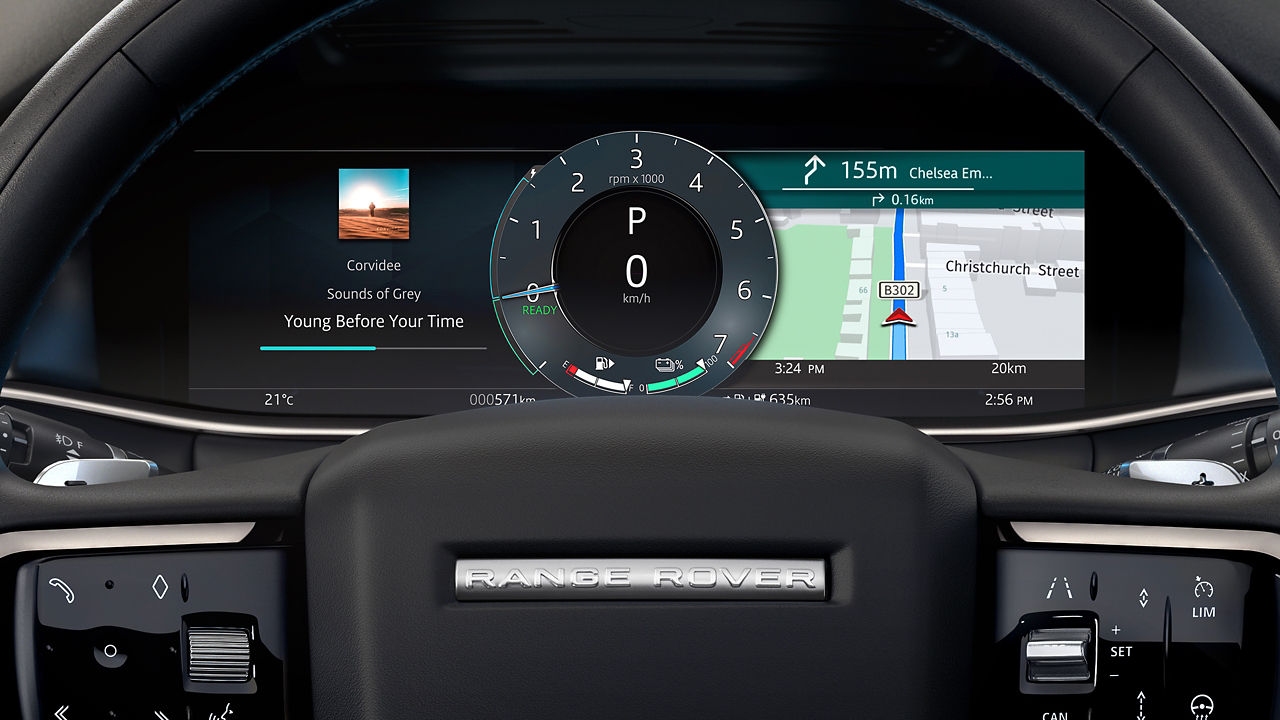
CONNECTED NAVIGATION SUBSCRIPTION
For details of your existing Connected Navigation subscription, including its end date, please visit the InControl Route Planner website.
MANAGING YOUR PLANS AND PAYMENTS
After renewal, you can update your subscription plans and payment methods in the Services Store.
ORDER HISTORY
To review your past orders, select My Orders from the Account section.
PAYMENT METHODS
Go to the Payment Method section to add or update your payment details.
CHANGING PLANS
You can switch to a different subscription plan when renewing a service.

CHANGING VEHICLE OWNERSHIP?
If you are selling your vehicle, you'll need to remove it from your account. This helps protect your personal data and ensures that auto-renewal for any active subscriptions is turned off.
Please note: connected services subscriptions cannot be transferred to another vehicle.
European model shown
VISIT SERVICES STORE
1Pivi, Pivi Pro and InControl features, options, third-party services and their availability remain market dependent – check with your Retailer for local market availability and full terms. Certain features require an appropriate SIM with a suitable data contract which will require further subscription after the initial term advised by your Retailer. Mobile network connectivity cannot be guaranteed in all locations. Information and images displayed in relation to the InControl technology, including screens or sequences, are subject to software updates, version control and other system/visual changes depending on options selected. Full terms and conditions can be found here.
2Some services e.g. Wi Fi do not require an account to be linked.
3Some countries or regions may require additional steps within the activation process (e.g. eKYC) in order to activate connected features.
4This information does not apply to the Connected Navigation subscription on Touch or Touch Pro infotainment systems.